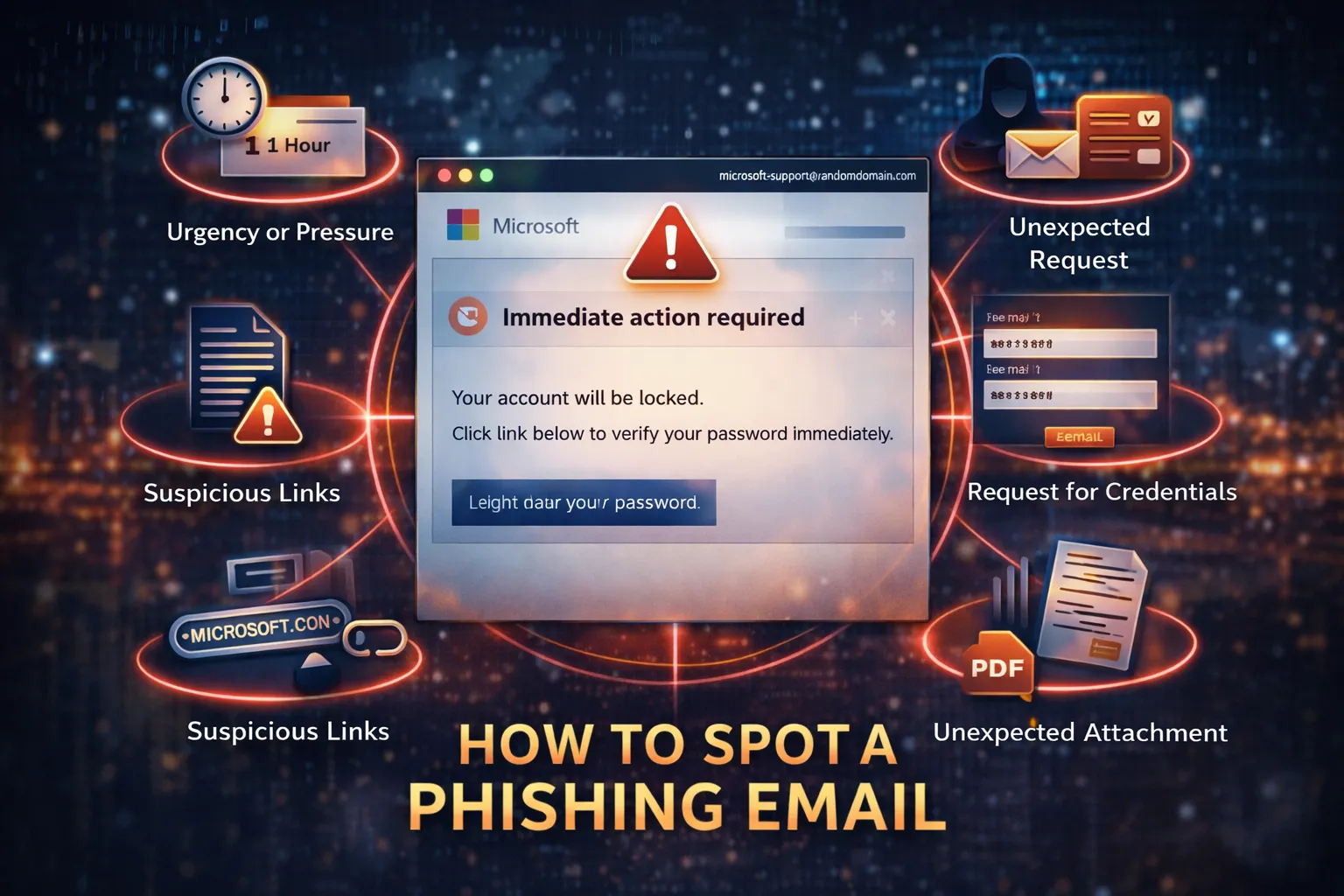
Email is still the #1 attack vector for most businesses.
But when you start looking at email security products, it gets confusing fast:
- API-based tools
- Inline / journaling solutions
- Secure Email Gateways (SEG)
They all “protect email”… but they work very differently.
Understanding that difference is more important than the product you choose.
The Three Main Types of Email Security
There are three primary architectures:
- API-based email security
- Inline / journaling (hybrid API)
- Secure Email Gateways (SEG / MX-based)
Let’s break them down.
1. API-Based Email Security
Examples:
How it works
API-based tools connect directly into Microsoft 365 or Google Workspace.
They do NOT sit in the mail flow.
Instead, they:
- analyze emails inside the mailbox
- monitor user behavior and communication patterns
- detect attacks like BEC, phishing, and account takeover
This gives them access to signals traditional tools don’t see (like internal emails and identity behavior) :contentReference[oaicite:2]{index=2}
Pros
- No MX changes required
- Fast deployment (minutes)
- Works well with Microsoft 365 native protection
- Can detect advanced/social engineering attacks
- Can remediate emails after delivery
Cons
- Email is already delivered before action (in some cases)
- Less control over mail flow
- Not always ideal for strict compliance environments
Key takeaway
API-based security is great for modern cloud email and advanced threats
2. Inline / Journaling-Based (Hybrid API)
Examples:
(Some vendors blur the lines here—Avanan is API-first but can act inline)
How it works
These solutions:
- integrate via API
- AND can inspect messages inline or via journaling
They effectively sit logically in the flow, without always requiring MX changes.
They can:
- block before delivery
- analyze internal traffic
- extend into Teams, OneDrive, etc. :contentReference[oaicite:4]{index=4}
Pros
- Better pre-delivery blocking than pure API
- Still cloud-native
- Broader coverage (email + collaboration tools)
- Good balance of visibility + control
Cons
- More complex than pure API
- Can overlap with existing tools
- Still not as “authoritative” as a gateway for mail flow
Key takeaway
Hybrid approaches try to give you the best of both worlds
3. Secure Email Gateways (SEG)
Examples:
How it works
SEGs sit in front of your email system.
You change your MX record so mail flows like this:
Internet → SEG → Microsoft 365
They inspect email before it ever reaches your environment.
Pros
- Full control of inbound mail flow
- Blocks threats before delivery
- Strong for:
- spam filtering
- malware
- compliance / DLP
- Mature and well understood
Cons
- You are altering your mail flow
- MX records point to a third party (visible externally)
- Can introduce:
- latency
- delivery issues
- Limited visibility into internal email activity
- Often weaker against modern BEC/social engineering attacks
Also worth noting:
- SEGs were originally designed for on-prem email
- Modern attacks increasingly bypass perimeter-only controls :contentReference[oaicite:8]{index=8}
Key takeaway
SEGs are great at controlling the perimeter, but struggle with modern identity-based attacks
Important: These Categories Overlap
This is where people get confused.
Some vendors can do multiple things.
For example:
- Barracuda Email Protection supports gateway + API deployment models
- Avanan is API-based but can act inline
- Mimecast is primarily SEG, but has integrations/APIs
Do You Even Need a SEG?
If you’re running Microsoft 365:
👉 You may NOT need a traditional SEG
Why:
- Microsoft already provides baseline filtering
- API-based tools can layer on top
- You avoid changing mail flow entirely
In many cases:
Microsoft 365 + API-based security = simpler, modern architecture
The Tradeoff (This Matters)
SEG approach:
- Strong control
- More complexity
- Visible externally (MX records)
- Legacy-friendly
API approach:
- Simpler
- Better for modern attacks
- Less intrusive
- Relies on cloud-native architecture
The Real Problem Most Businesses Have
It’s not “which tool is best.”
It’s:
- overlapping tools
- unclear architecture
- gaps between layers
You’ll often see:
- SEG + M365 Defender + API tool
- all doing similar things
- but no one knows what’s actually working
Final Thought
Email security isn’t about buying more tools.
It’s about understanding:
- where your protection sits
- what it can see
- what it can’t
Once you understand that, the right solution becomes obvious.
Need Help Figuring It Out?
If you’re not sure whether your current email security setup actually makes sense—or if you’re paying for overlapping tools—it’s worth taking a closer look.