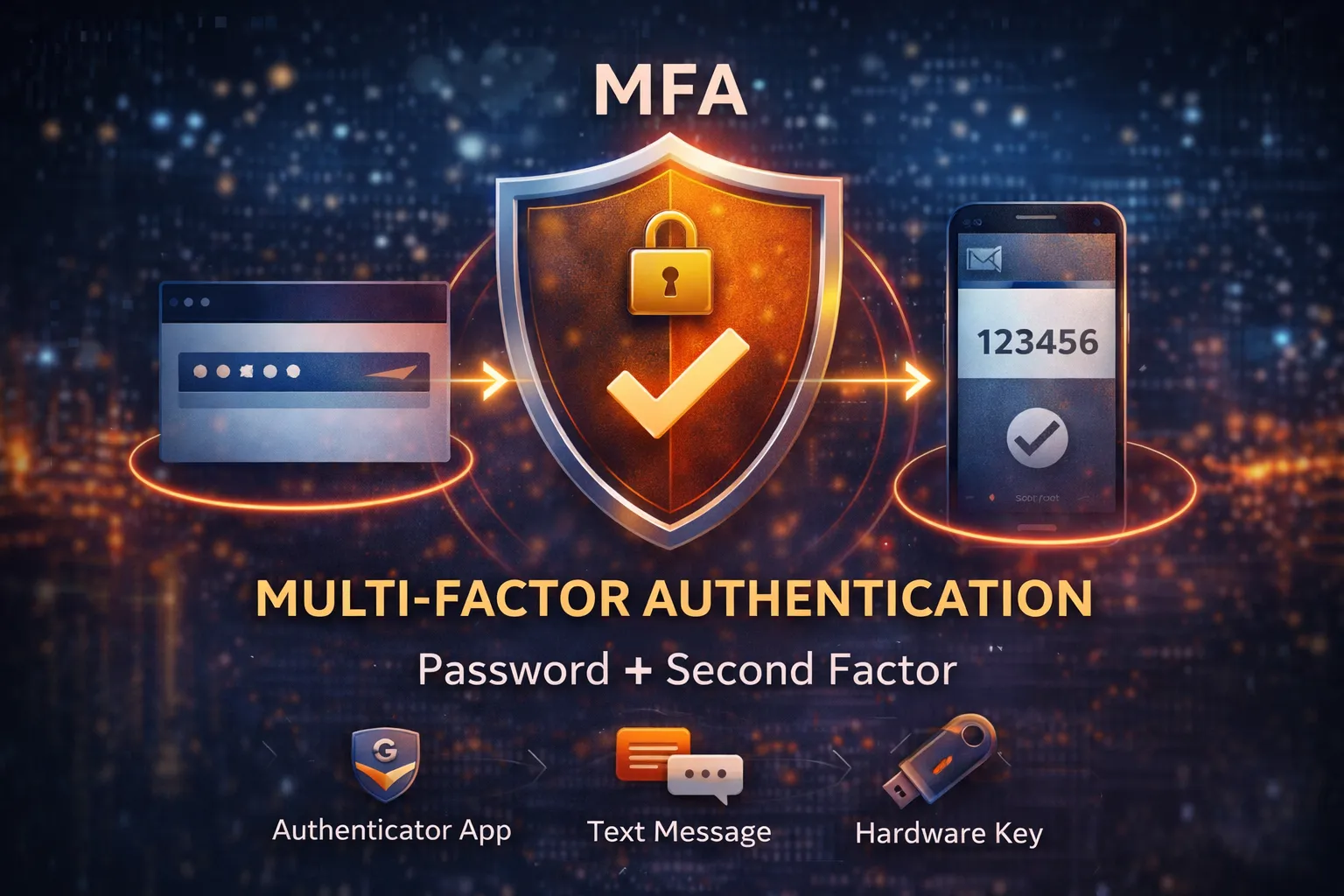
Multi-factor authentication (MFA) is one of the best protections you can put in place.
But it’s not perfect.
Attackers know this—and they’ve adapted.
Understanding how MFA gets bypassed is key to making sure it actually protects your business.
Wait… I Thought MFA Was Secure?
It is.
MFA stops a huge percentage of basic attacks.
But attackers don’t try to “break” MFA directly.
Instead, they:
- trick users
- steal sessions
- or exploit weak configurations
Most MFA bypasses are not technical—they’re behavioral.
1. MFA Fatigue (Push Bombing)
This is one of the most common attacks today.
How it works:
- An attacker gets a user’s password
- They repeatedly try to log in
- The user receives multiple MFA push notifications
- Eventually, the user clicks “Approve” just to stop the prompts
Why it works
- Users get annoyed
- They assume it’s a glitch
- They just want it to stop
How to prevent it
- Use number matching (instead of simple approve/deny)
- Train users: never approve unexpected prompts
- Limit repeated login attempts
- Monitor for repeated MFA requests
2. Phishing + Real-Time Credential Capture
This is more advanced—and very effective.
How it works:
- User clicks a phishing link
- They land on a fake login page
- They enter username + password
- They complete MFA
Meanwhile:
- The attacker is relaying that login in real time
- They capture the session and gain access
MFA worked—but the attacker logged in at the same time.
How to prevent it
- Use phishing-resistant MFA (hardware keys, passkeys)
- Implement strong email security
- Train users to verify login pages
- Use conditional access policies
3. Session Hijacking
In this case, MFA is never challenged again.
How it works:
- A user logs in successfully (with MFA)
- A session token is created
- The attacker steals that token (via malware or browser compromise)
- The attacker reuses the session
Why it works
- The system thinks the user is already authenticated
- MFA is not triggered again
How to prevent it
- Use device compliance policies
- Limit session duration
- Monitor for unusual session behavior
- Use endpoint detection (EDR)
4. Weak MFA Methods (SMS)
Not all MFA methods are equally secure.
SMS-based MFA can be bypassed through:
- SIM swapping
- social engineering with mobile carriers
- interception attacks
How to prevent it
- Prefer authenticator apps or hardware keys
- Avoid SMS where possible
- Use stronger authentication methods for admin accounts
5. Misconfigured or Partial MFA
Sometimes MFA is “enabled”… but not everywhere.
Common gaps:
- Admin accounts without MFA
- legacy protocols bypassing MFA
- certain apps excluded from enforcement
Why it matters
Attackers look for the weakest path in.
If MFA isn’t applied consistently, they’ll find a way around it.
How to prevent it
- Enforce MFA for all users
- Block legacy authentication
- Review conditional access policies
- Regularly audit your configuration
The Real Takeaway
MFA is still one of the best defenses you have.
But:
MFA reduces risk—it doesn’t eliminate it.
To be effective, it needs to be:
- configured correctly
- enforced consistently
- paired with other controls
Where Businesses Get Caught Off Guard
A common situation:
- MFA is enabled
- Everyone assumes they’re protected
- No one checks how it’s configured
- An attacker bypasses it anyway
That’s not a failure of MFA.
It’s a failure of understanding how it’s being used.
Need a Second Look?
If you’re not sure whether your MFA setup actually protects your business—or where gaps might exist—it’s worth taking a closer look.